Setting Up Meshery Locally
A practical walkthrough for first-time contributors running into the common pitfalls.
Why This Guide Exists
If you have just cloned Meshery to contribute to Kanvas, you have probably hit one of these walls:
-
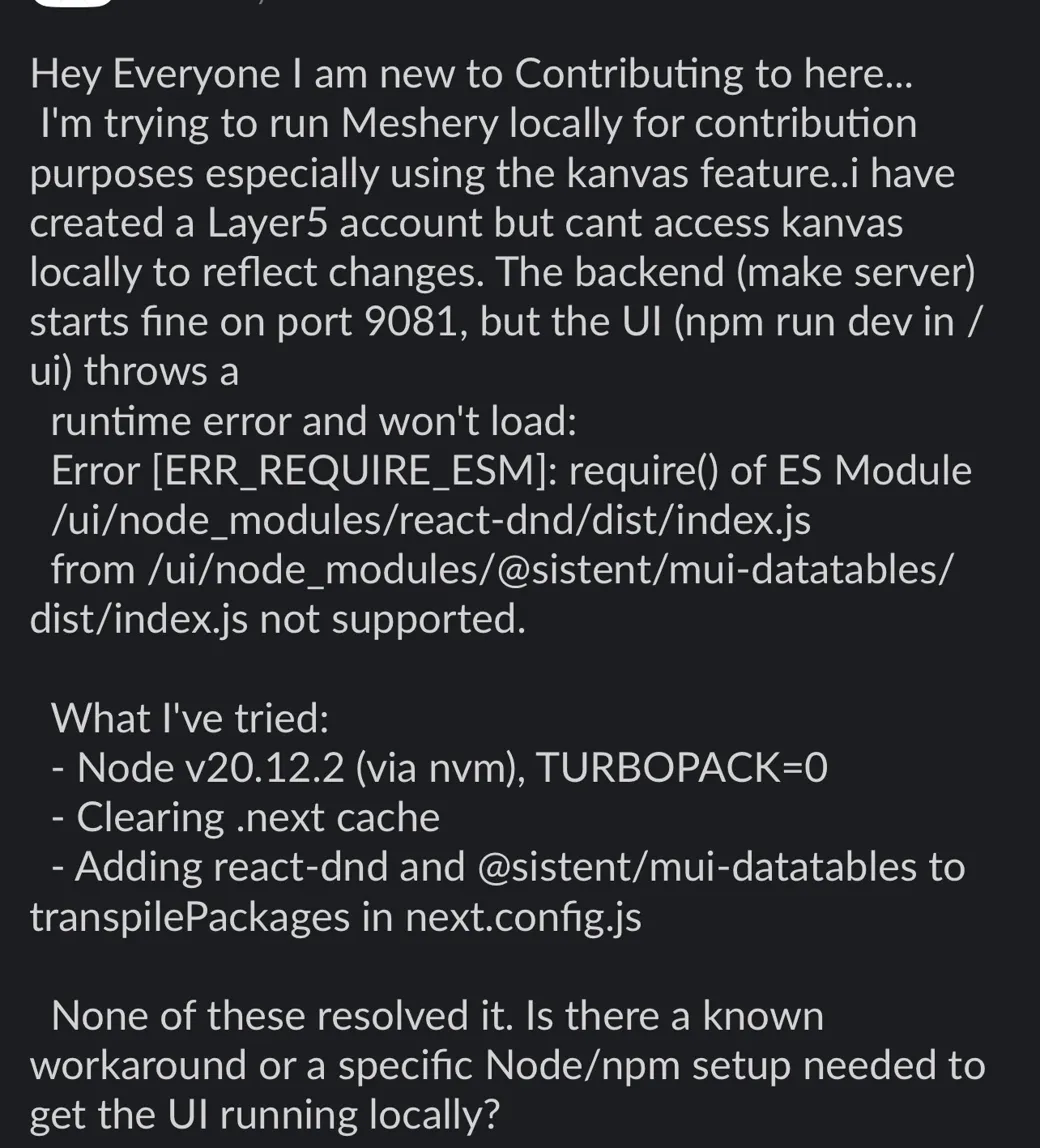
npm run devthrowsError [ERR_REQUIRE_ESM]: require() of ES Modulefromreact-dndor@sistent/mui-datatables. -
make serverboots fine on port9081, but the UI refuses to load. -
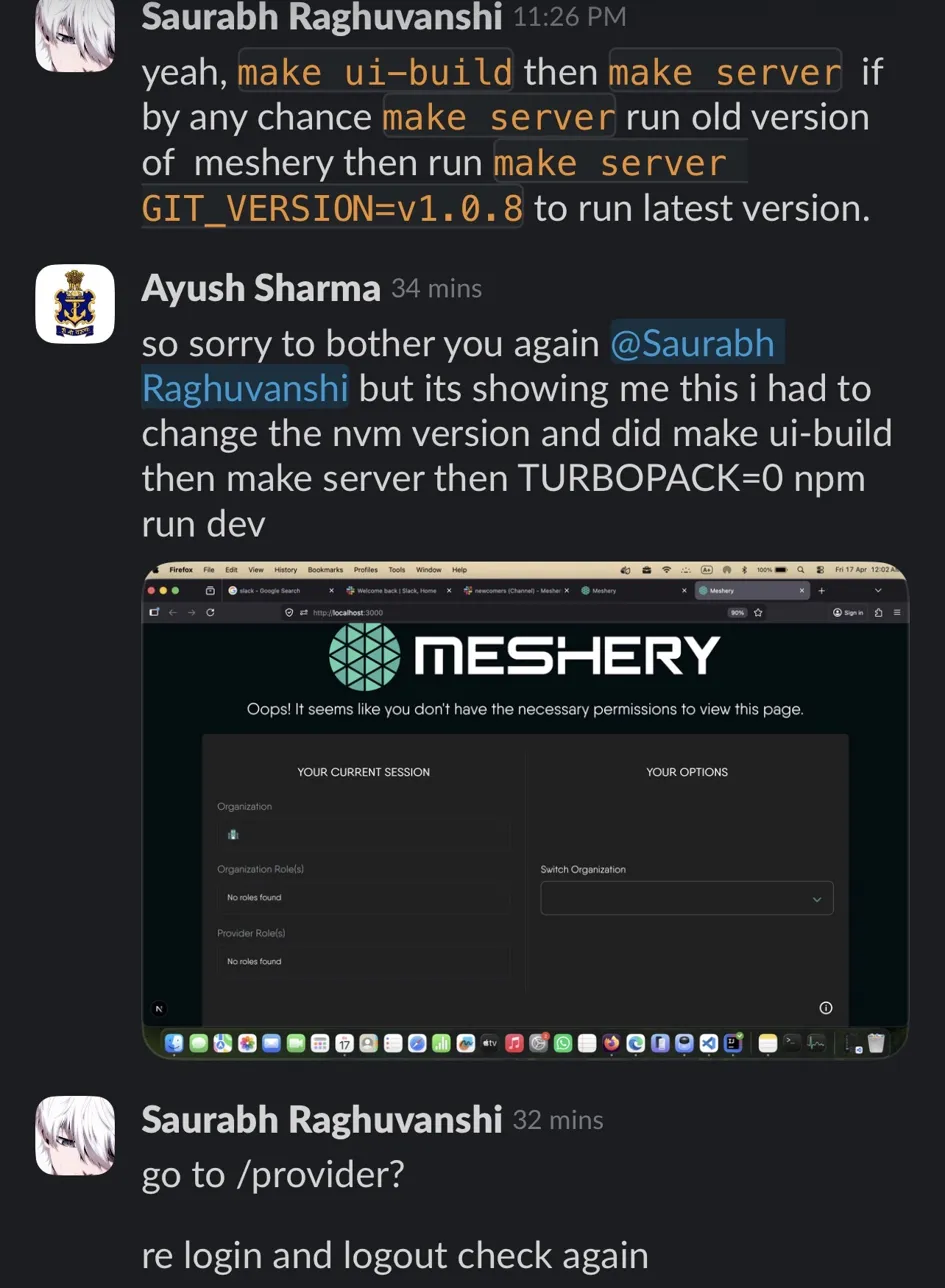
You log in through Layer5, but Kanvas shows: “Oops! It seems like you don’t have the necessary permissions to view this page.”
-
make serverstarts an old version of Meshery even after pulling the latest code.
These are all solvable in a specific order. This post documents the exact sequence that works, based on troubleshooting with Meshery maintainers.
Prerequisites
Before you start, make sure you have:
-
Go
1.21+ -
Node.js, specifically managed via nvm, because the version matters
-
npm, which comes with Node
-
Docker, for Meshery’s adapter and service mesh integrations
-
Git
-
A Layer5 account. Sign up at layer5.io; you will need this to log in locally.
Step 1: Clone and Enter the Repo
git clone https://github.com/meshery/meshery.git

cd meshery
Step 2: Pin the Right Node Version
This is the single most common trip-up. The UI depends on packages such as react-dnd and @sistent/mui-datatables, which ship as ES modules. Newer Node versions handle CommonJS and ESM interop differently than what the repo currently expects.
Use Node v20.12.2. This is the version that has been confirmed to work with the current UI:
nvm install 20.12.2

nvm use 20.12.2

node -v # should print v20.12.2
If you do not pin this, you will see the dreaded ERR_REQUIRE_ESM error when npm run dev tries to load react-dnd.
Step 3: Build the UI
From the repo root:
make ui-build
This installs UI dependencies and produces a production build that make server will serve. Run this before make server. If you skip it, the Go backend will start but have nothing to serve to the browser.
Step 4: Start the Meshery Server
make server
The server starts on port 9081 by default.
If make server Runs an Older Version of Meshery
Sometimes the Go build picks up a cached or older GIT_VERSION, and you end up running a stale Meshery even though you are on master. Force the version explicitly:
make server GIT_VERSION=v1.0.8
Replace v1.0.8 with the current latest tag. Check the Meshery releases page to confirm.
Step 5: Run the UI in Dev Mode for Kanvas Work
In a second terminal, from the repo root:
cd ui

TURBOPACK=0 npm run dev
Why TURBOPACK=0? Next.js’s Turbopack bundler currently does not handle the CommonJS and ESM interop for some of Meshery’s UI dependencies cleanly. Disabling it forces Next.js to fall back to webpack, which resolves the ERR_REQUIRE_ESM issue.
The UI dev server runs on port 3000. Open http://localhost:3000.
Step 6: Fix the “No Permissions to View This Page” Error
This is the one that stumps almost everyone on first run. You will see the Meshery landing page telling you:
Oops! It seems like you don’t have the necessary permissions to view this page.
With empty Organization Role(s) and Provider Role(s).
The fix: navigate manually to the provider route:
http://localhost:3000/provider
This is the Go server link if your port is 3000.
Log out, then log back in through Meshery (Layer5) as the provider. This forces the session to re-issue the correct organization and provider roles. When you return to /, Kanvas will load correctly.
If it still does not work after a re-login, clear cookies for localhost:3000 and try once more.
Troubleshooting Checklist
If something still is not working, run through this in order:
-
Node version: run
node -v. If it is notv20.12.2, that is your problem. Runnvm use 20.12.2. -
Stale
.nextcache: delete it withrm -rf ui/.next. -
Stale
node_modules: delete and reinstall withrm -rf ui/node_modules && cd ui && npm install. -
Backend not running: check
curl http://localhost:9081/api/system/version. If it returns404or connection-refuses,make serveris not up. -
UI not running: check that
http://localhost:3000loads anything at all. -
Still seeing
ERR_REQUIRE_ESM: confirmTURBOPACK=0is actually exported for the shell runningnpm run dev. Prefix it inline withTURBOPACK=0 npm run dev; do not rely on a.envfile unless you have verified it is being read. -
Permissions error on Kanvas: go to
/provider, log out, then log back in.
The TL;DR Sequence
For anyone who just wants the commands:
# one-time

nvm install 20.12.2

# every session

nvm use 20.12.2

make ui-build

make server # terminal 1; add GIT_VERSION=vX.Y.Z if stale

cd ui

TURBOPACK=0 npm run dev # terminal 2

# then in browser

# visit http://localhost:3000/provider, log out, log back in
Where to Ask for Help
If you are still stuck after this, the Meshery Slack is active and the maintainers are responsive. Post in the #newcomers channel with:
-
Your Node version:
node -v -
The exact error message
-
Which step above you are stuck at
-
A screenshot if it is a UI issue
Happy contributing!